Building a Live Weather Widget in Obsidian
Obsidian is a great note-taking tool, and every user ends up shaping the workspace around their own habits. That includes some kind of main dashboard page. For quite a while I was looking for widgets and plugins that could make that page more structured and easier to scan. In the end I decided that Canvas mode is especially convenient for that.
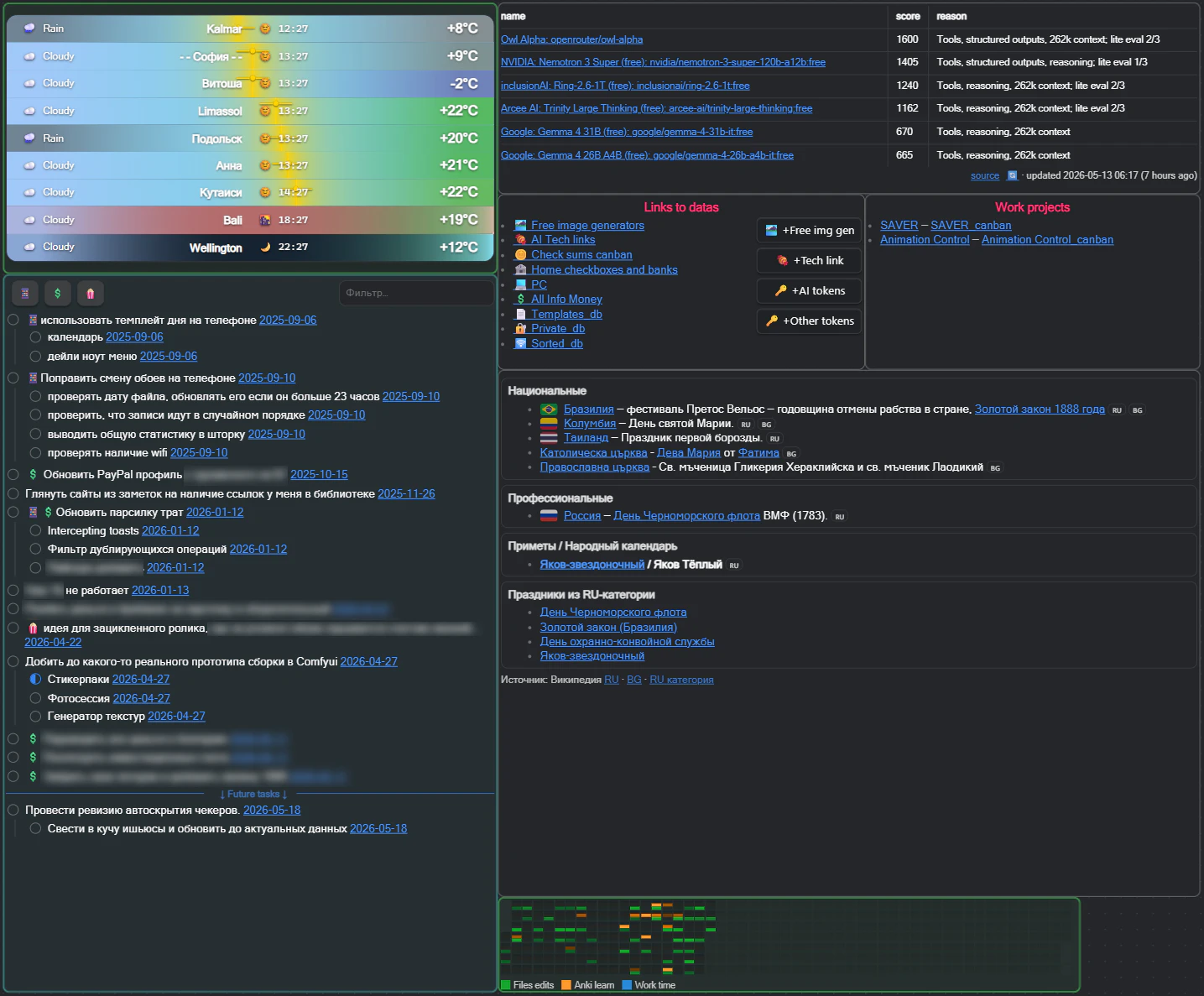
But I often ran into a practical problem: I did not always remember which time zones my friends, relatives, or coworkers were in, and checking it every time was inconvenient.
So I decided to build a weather widget that shows my selected coordinates, the local time, and the current weather. I wanted to put it together in a way that makes it easy to understand at a glance where it is cold, where it is already night, and where it is raining.
Implementation
The main idea was maximum customization.
- I initially included two free weather providers to choose from.
- All locations are set by coordinates instead of city names. That approach gives:
- Fully independent weather lookups for any point in the world, even if it is a pond in the woods outside the city or a mountain peak, assuming the provider has data for it.
- Location names do not depend on the data source, so I can label places however I want: in all caps for emphasis, or even with hieroglyphs.
- All colors, icons, borders, and limits can be reassigned in the settings.
Result
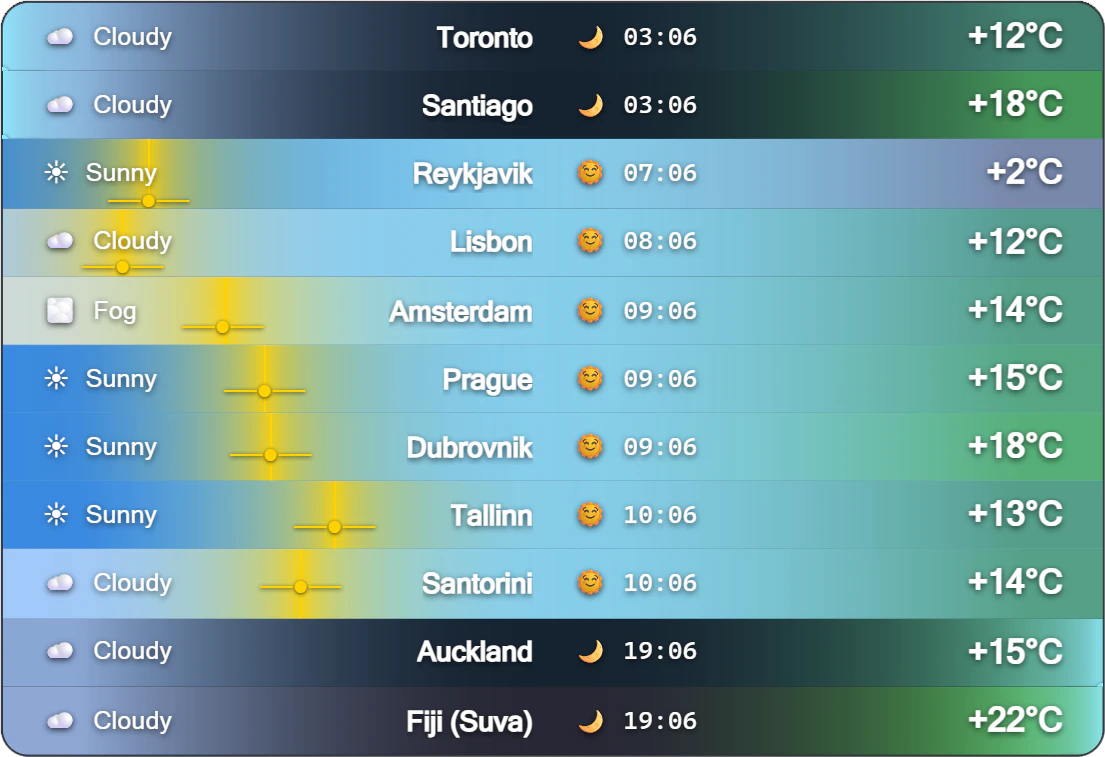
The widget covers all my main needs:
- it shows all the locations I want to keep an eye on, so I always know what the weather is like for my parents or friends;
- at a glance, it shows the time of day and the overall position of the sun across all locations.
Now I do not send messages at night to people who are already asleep.
PS: After the plugin was released, it turned out that the one thing users wanted adjusted most was the option to view temperature in Fahrenheit instead of Celsius.
The full code is available on GitHub, and the plugin itself is listed in the Obsidian plugin catalog.