Sticker Generator in ComfyUI
To stay sharp and keep developing my skills, I decided to build a local sticker pack generator. The first idea was to fit everything into a single ComfyUI workflow, but that approach was rejected almost immediately: if the goal is to make a proper tool, the amount of work becomes too large and too complex for one monolithic graph.
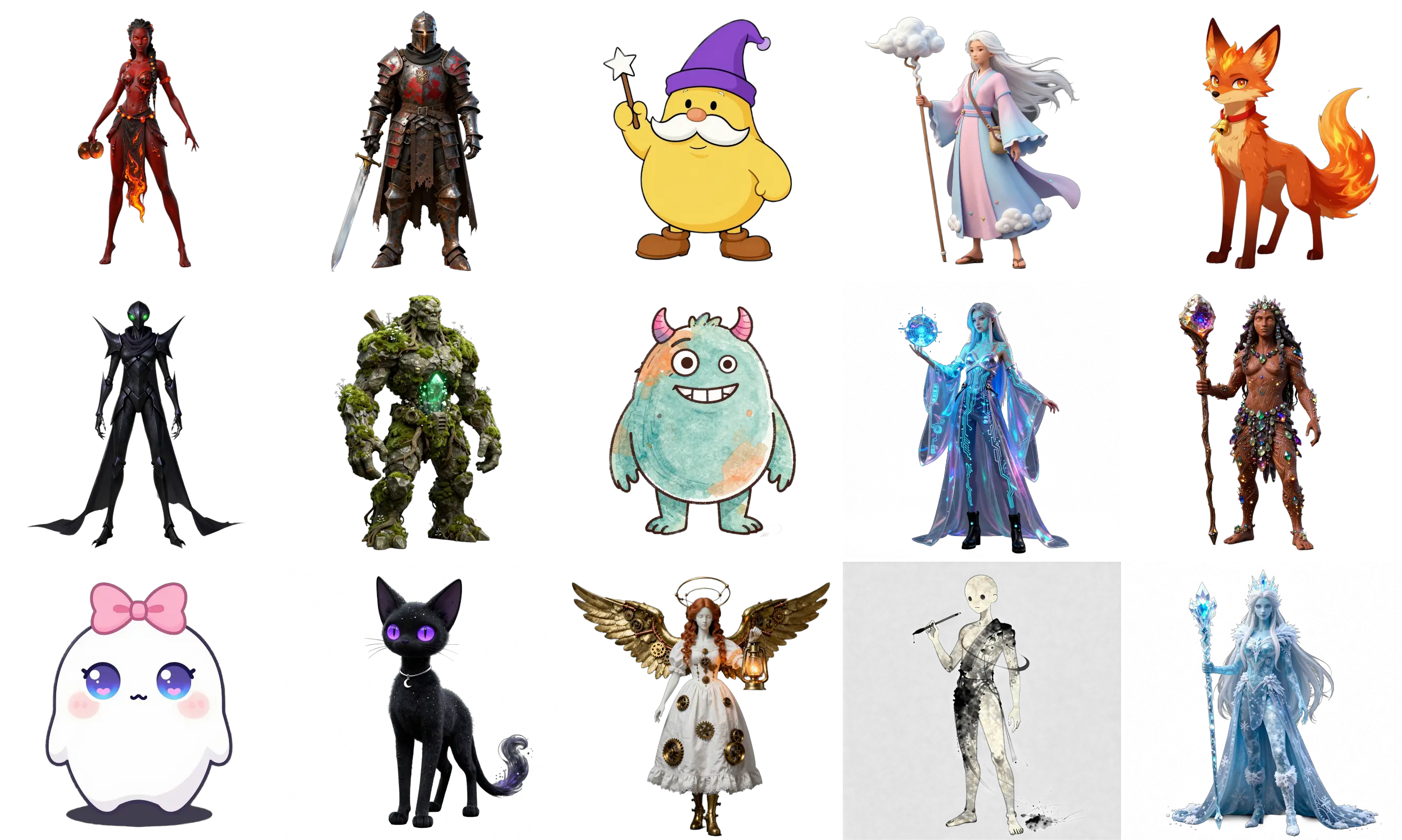
Workflow Overview
- The core of the system is a local multimodal LLM, for example Qwen 3.6. I can work with it through a normal chat interface instead of manually digging into technical details or deeply analyzing the prompt on every iteration.
- At the same time, most of the setup work went into prompts and skills, so that each stage of the system behaves consistently.
- Each stage has its own skill. The skill follows the generation rules for the specific model used at that step. All images and animations are produced through prepared ComfyUI workflows.
- The pipeline can be continued from almost any point: regenerate variants, revise a character, or mix ideas between different versions. The main goal is maximum control over the result with as little manual cleanup as possible: inpainting, masks, and hand retouching should stay minimal.
- Since this is not a commercial product but an experimental pipeline, I kept the control layer as a conversation with an agent in the console (TUI, usually through OpenCode), while reviewing the generated files in a file manager. I have not built a separate interface with buttons and previews yet, because that would distract from the core task. A dedicated UI can easily take up to 80% of the total project work.
Approximate Pipeline
Idea Generation
In a chat with the bot, with or without examples, I can describe the general character concept or use random generations to discover the right direction. Any description or suggestion is generated and tested immediately. Once the character's appearance is approved, a character brief is created: what must be visible, which details should be excluded, and which traits need to remain consistent.
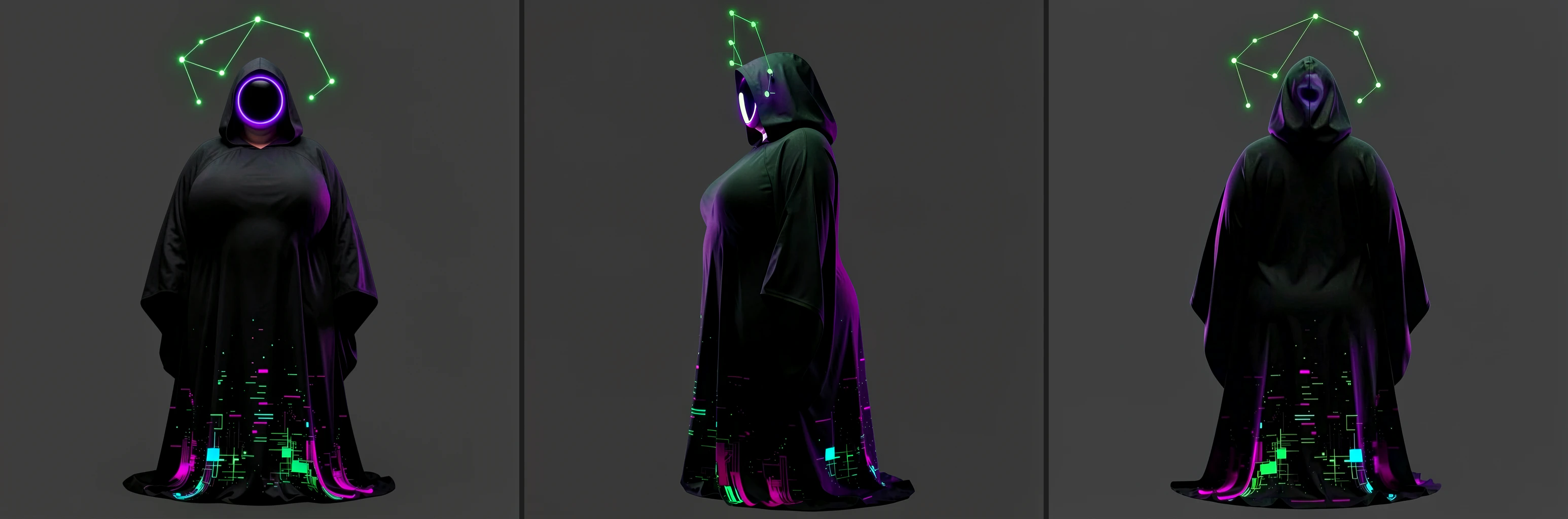
In the case shown in the examples, I decided to create an emoticon — an avatar for the website, using the same color palette and visual theme. After finding a promising first direction, I started refining the details. At first I tried a cartoon-stylized look, but it did not feel right, so I kept the main character in a more realistic style.

Consistency
To create new emotions, movements, and other variations of the character, side and back views are generated as well. They are used as references to preserve the shape, details, and overall identity of the character.
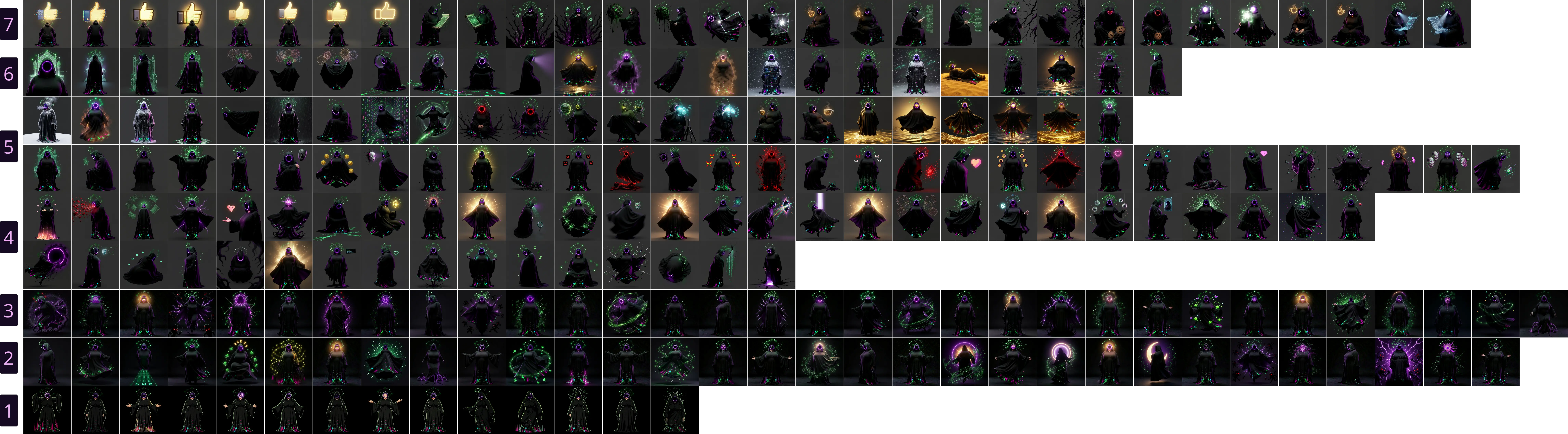
Emotions
Using the three views as references, I can create different character variations: poses, angles, emotions, interactions with objects, and other states. The main loop includes a minimal base set of emotions, an additional set, and any other variants the author wants to explore. There are no strict limits here.
Animation
Animation can be generated from a single first frame or from two frames — the first and the last. The second option helps preserve consistency and follow the author's intent more closely. Identical first and last frames work well for looped animations.
Key Components
LLM
Any reasonably capable model can work, but a multimodal one is preferable: it can review the result on its own and provide more precise feedback. Models that have worked well:
- Qwen 3.6
- Qwen 3.5
- Gemma 4
Skills
The agent gets different instructions for different tasks.
- General pipeline orchestrator
- Prompt creation according to model-specific rules and assembly of the technical text request
- Iterative generation tuning with visual review of the result
ComfyUI Workflows
- Z-image Turbo — primary generation, option search, and idea exploration
- Flux 2 Klein — editing, new angles, and new states
- WAN 2.2 and LTX 2.3 — animation. Each model has its own strengths and weaknesses.
- For WAN, I split the pipeline into two separate stages, preview and finalization, to save resources. The latent from the first animation pass is saved for the second stage. I could not find a simple node for saving a latent to a specified path, so I had to add custom nodes for that.
Transparent Background
This is one of the most painful stages for realistic sticker packs, especially when the image contains many effects and semi-transparent areas.
- RmBG with edge refinement — simple and fast. For stylized sticker packs with a clear contour, this approach is often enough.
- Qwen Image Layered — slow, expensive, and not always predictable, but in some cases it works better than the alternatives.
- SAM3 — another advanced option, used when the first approach clearly fails and the result needs refinement.
Additional Tools
- ffmpeg — animation assembly and file handling.
- Pillow — layers produced by Qwen Image Layered can be combined in any order. When the standard merge does not work well, because alpha premultiplication can sometimes eat away fine details, this module assembles the layers more carefully.
Results
All pipeline stages are saved into the corresponding project folders. The sticker pack is updated as testing continues and is available on Telegram.
PS. The first full pipeline run happened when I decided to make a "family" sticker pack. The reference point was both the style and the theme, with callbacks to everyday situations. The main character is a hedgehog in different life situations. In total, a sticker pack like this can be made at home in one working day.